Setting up a home office that balances comfort and productivity can significantly improve your work-from-home experience. A well-designed space not only helps you stay focused but also makes your daily tasks more enjoyable. Whether you have a dedicated room or just a small corner, these tips will guide you in creating a cozy and effective workspace.
Choose the Right Location
Selecting the best spot for your home office is essential. Ideally, pick a quiet area with minimal distractions to help you concentrate. If possible, choose a room with natural light, as sunlight can boost your mood and energy levels.
Consider privacy and noise levels
If your home tends to be busy, look for a location away from high-traffic areas. Use noise-cancelling headphones or soft background music to minimize distractions if needed.
Invest in Comfortable Furniture
Comfortable furniture plays a major role in maintaining productivity during long work hours. An ergonomic chair and a suitable desk height reduce strain on your body and improve posture.
Ergonomic chair
Choose an adjustable chair with good lumbar support. This helps prevent back pain and promotes comfort during extended periods of sitting.
Desk options
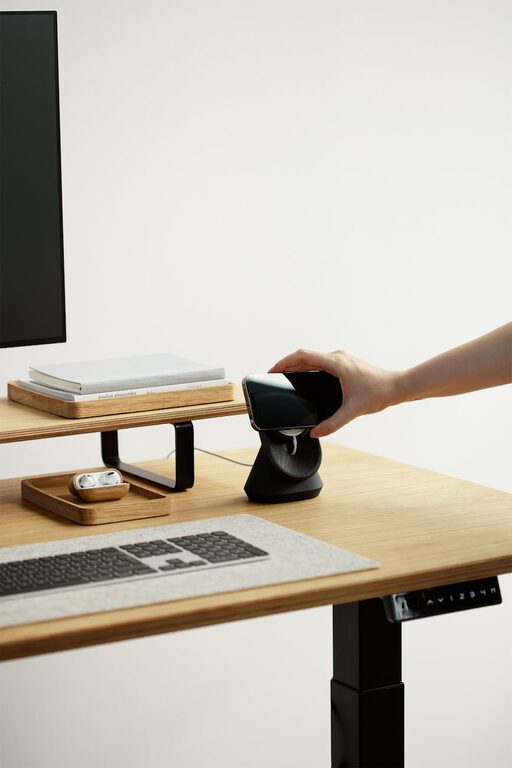
Pick a desk that fits your available space and allows enough room for your computer, documents, and other tools. Standing desks or adjustable desks are popular choices for promoting movement and reducing sitting time.
Optimize Lighting
Proper lighting is crucial to reduce eye strain and create an inviting atmosphere.
Maximise natural light
Position your desk near a window to take advantage of daylight. However, avoid glare on your screen by adjusting blinds or curtains as necessary.
Add task lighting
A desk lamp with adjustable brightness provides focused light for reading or detailed work, especially during evening hours.
Organize Your Space Effectively
Clutter can hinder your productivity and cause unnecessary stress. Keeping your workspace neat helps you stay focused and find things quickly.
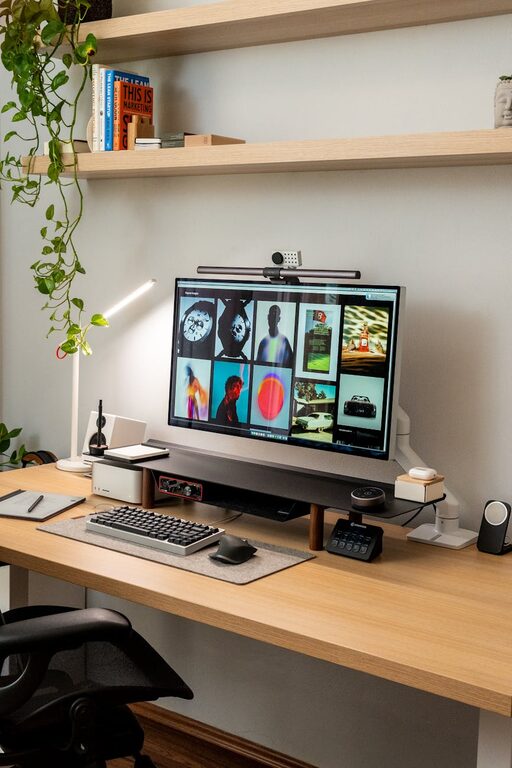
Use storage solutions
Shelves, drawers, and desk organizers keep your materials arranged and accessible. Label containers for easy identification.
Cable management
Use clips or covers to keep cords tidy and prevent tangling around your desk and floor area.
Personalise with Comfort and Inspiration
Making your home office a pleasant place to be encourages motivation.
Add personal touches
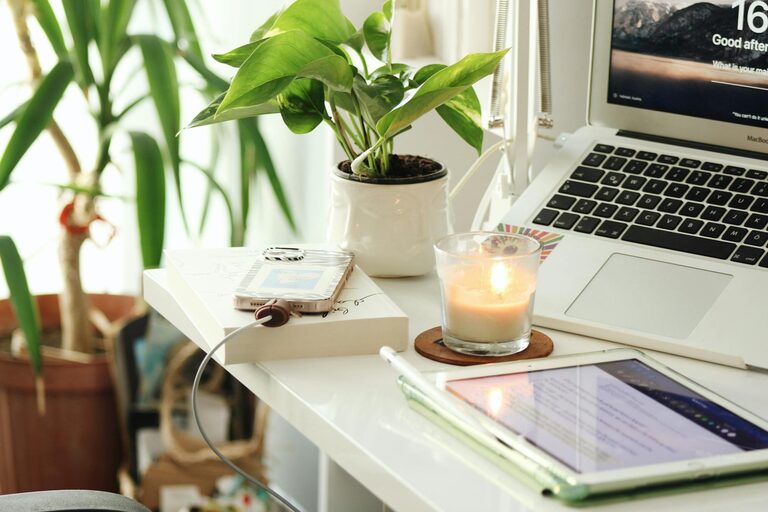
Include plants, artwork, or photographs that make you feel happy and inspired.
Choose calming colours
Soft, neutral tones or pastel colours can create a relaxing backdrop. Avoid overly bright or distracting shades.
Establish a Routine and Boundaries
Having a clear separation between work and personal life improves your productivity and well-being.
Set working hours
Define start and end times for your workday to maintain balance.
Create cues for work mode
Simple habits like dressing for work or tidying up the desk can signal the beginning and end of the work period.
Incorporate Technology Wisely
A reliable tech setup supports smooth work processes.
Invest in good equipment
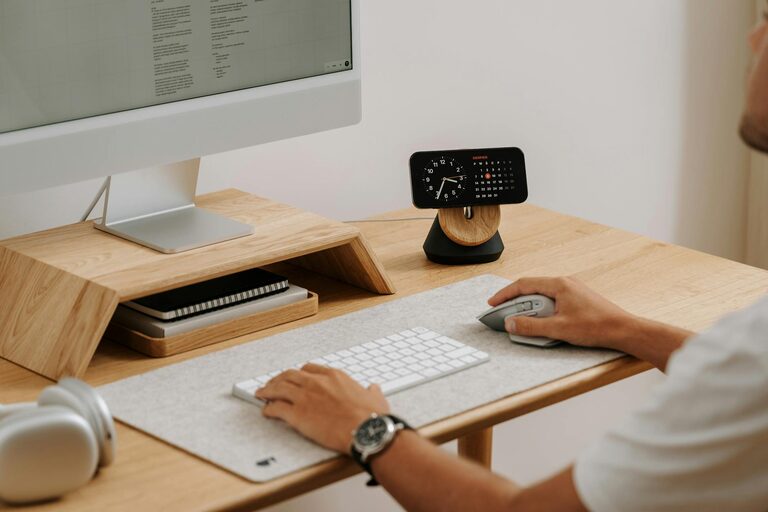
Quality monitors, keyboards, and a fast internet connection help reduce frustrations.
Minimize distractions
Turn off non-essential notifications and use apps to help you stay on task.
Take Breaks and Move Around
Regular breaks increase focus and prevent burnout.
Follow the 20-20-20 rule
Every 20 minutes, look at something 20 feet away for 20 seconds to reduce eye strain.
Stand and stretch
Take short walking or stretching breaks to stay physically active during work hours.
—
Creating a cozy and productive home office is about combining comfort, functionality, and personal style. By investing time in setting up the right environment, you can enjoy a workspace that supports your well-being and helps you get things done efficiently.