Creating a home office that feels cozy yet promotes productivity can be a game-changer for your work-from-home routine. Whether you’re setting up a space from scratch or looking to improve your current setup, the right environment can boost focus, reduce stress, and make working from home more enjoyable. Here are some helpful tips to guide you in crafting a home office that suits your needs.
1. Choose the Right Location
Consider Natural Light
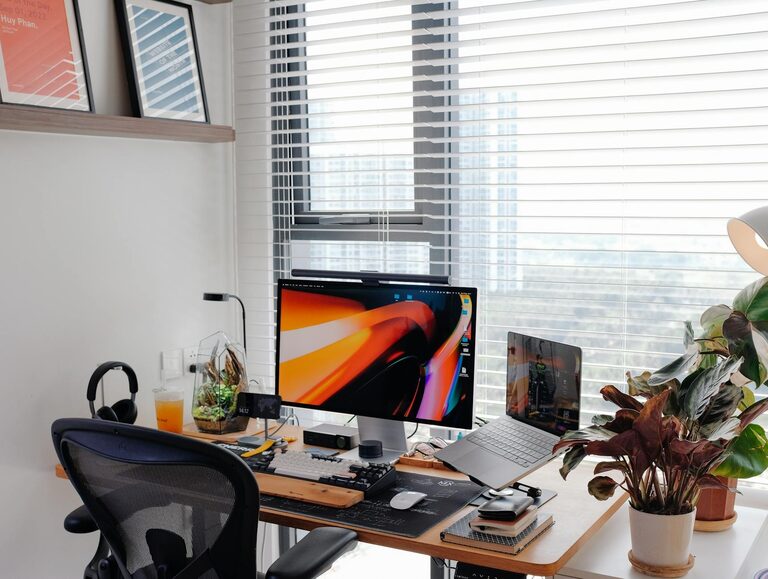
Placing your desk near a window lets you benefit from natural light, which can improve mood and energy levels. If natural light isn’t an option, invest in good-quality lighting that mimics daylight to reduce eye strain.
Minimise Distractions
Select a quiet corner away from high-traffic areas. If space is limited, creating boundaries with room dividers or screens can help define your work zone and signal to others when you’re busy.
2. Invest in Comfortable Furniture
Ergonomic Chair
A supportive chair that encourages good posture is essential. Look for adjustable chairs with lumbar support to prevent back pain during long working hours.
Functional Desk
Pick a desk that fits your work style. Standing desks or adjustable-height desks offer flexibility, allowing you to switch between sitting and standing to increase comfort.
3. Organise Your Workspace
Declutter Regularly
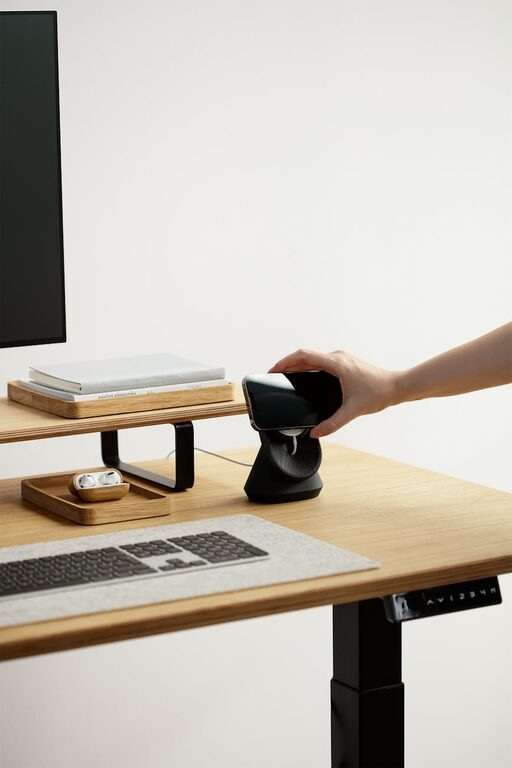
A tidy desk helps clear your mind. Use organisers like trays, pen holders, and drawers to keep essentials within reach but out of the way.
Use Cable Management
Cables can quickly become messy. Cable clips, sleeves, or boxes keep cords organised and prevent tangling.
4. Personalise to Boost Comfort and Inspiration
Add Plants
Greenery not only brightens the space but also improves air quality. Easy-care plants such as succulents or pothos are ideal for a desk setting.
Incorporate Personal Touches
Photos, artwork, or inspiring quotes add a personal feel, making the space more inviting and motivating.
5. Manage Noise Effectively
Use Noise-Cancelling Headphones
If household sounds are distracting, headphones can help you focus or listen to calming music.
Consider Soundproofing
Adding rugs, curtains, or acoustic panels can absorb sound and create a quieter environment.
6. Optimise Technology and Tools
Reliable Internet and Equipment
Ensure your internet connection is strong and stable. Use a good-quality microphone, webcam, and keyboard to improve communication and comfort.
Organise Digital Files
Just like your physical desk, keep your computer desktop and folders organised to save time and reduce frustration.
7. Maintain Proper Lighting
Combine Ambient and Task Lighting
Ambient lighting provides overall illumination, while task lighting focuses on your work area. Desk lamps with adjustable brightness are perfect for detailed tasks.
Avoid Glare
Position screens to prevent reflections and glare, which can cause eye strain.
8. Create a Routine and Break Area
Separate Work From Relaxation
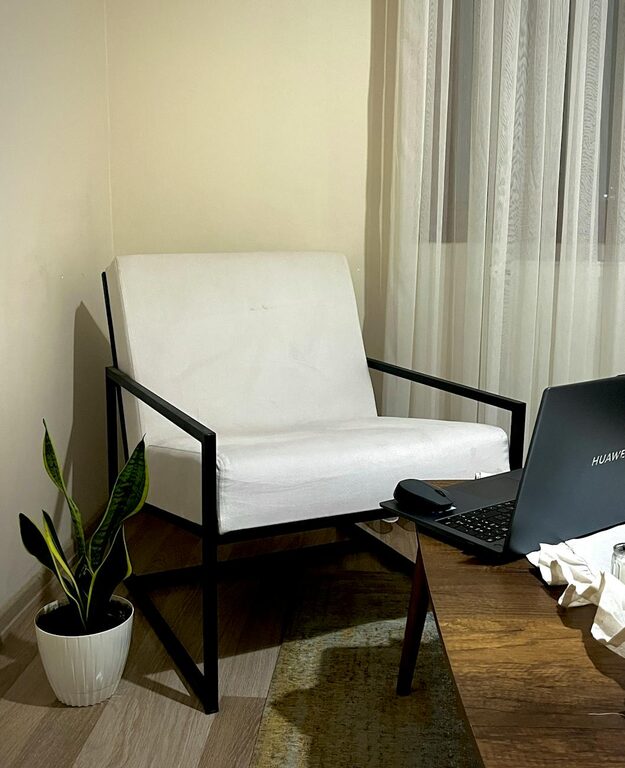
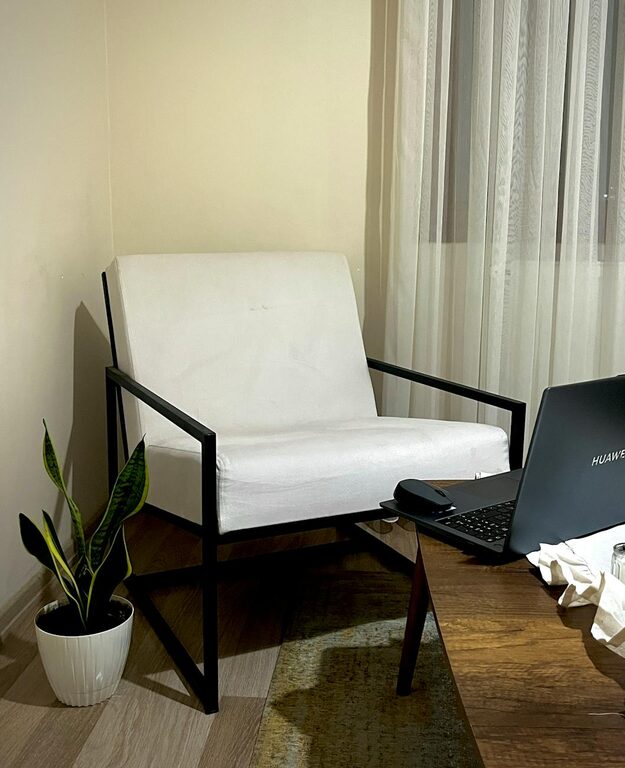
If space allows, set up a small area with a comfortable chair or cushion where you can take breaks away from your desk.
Schedule Breaks
Taking short, regular breaks helps maintain focus and reduces fatigue. Use reminders or apps to prompt you.
—
Designing a cozy and productive home office is about balancing comfort with functionality. With thoughtful planning and a few key adjustments, your workspace can become a place where you enjoy working and accomplish more. Take your time to experiment and tailor the space to fit your unique needs, and you’ll soon notice positive changes in your daily routine.